




TERCEL · QT002
Custom event passes with your logo
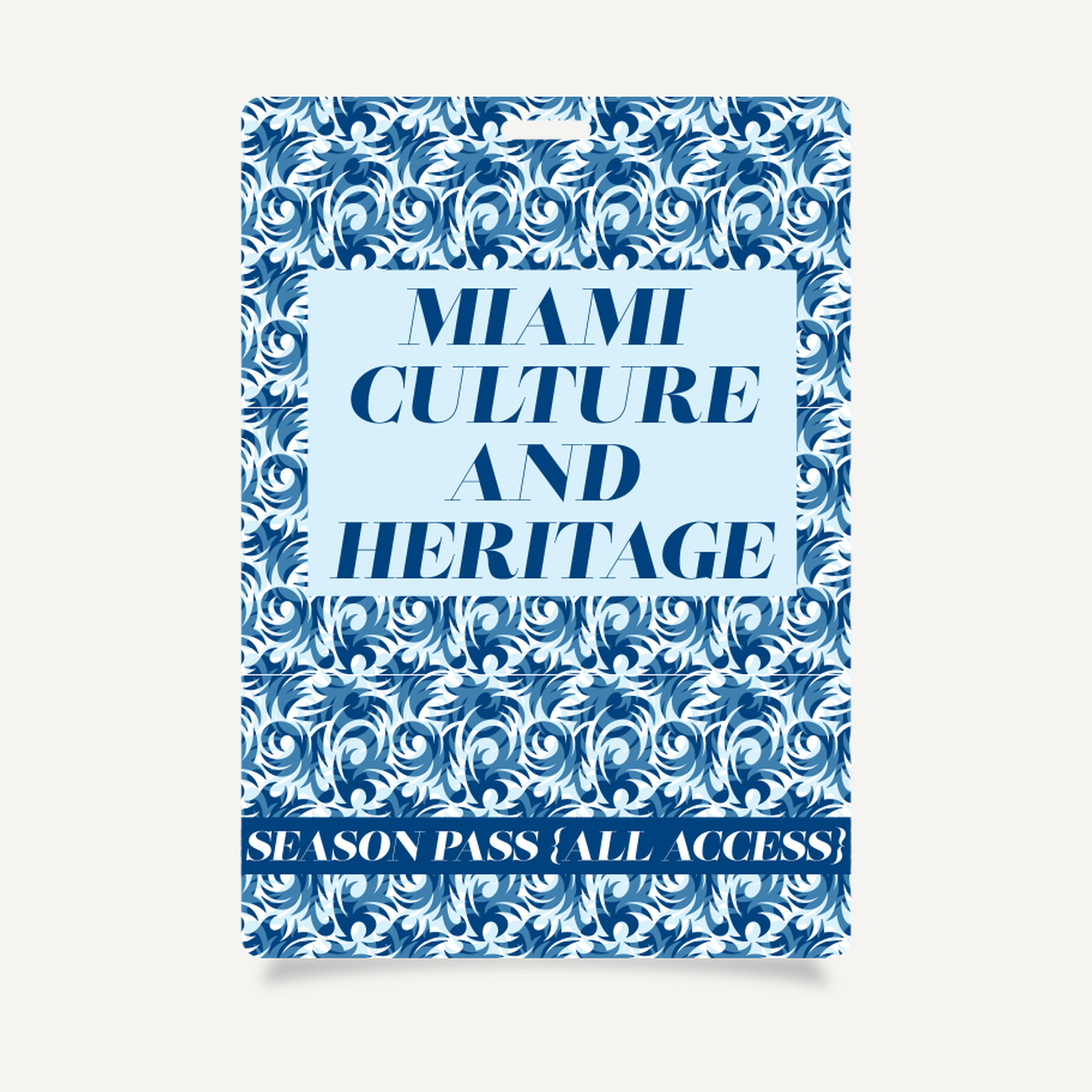
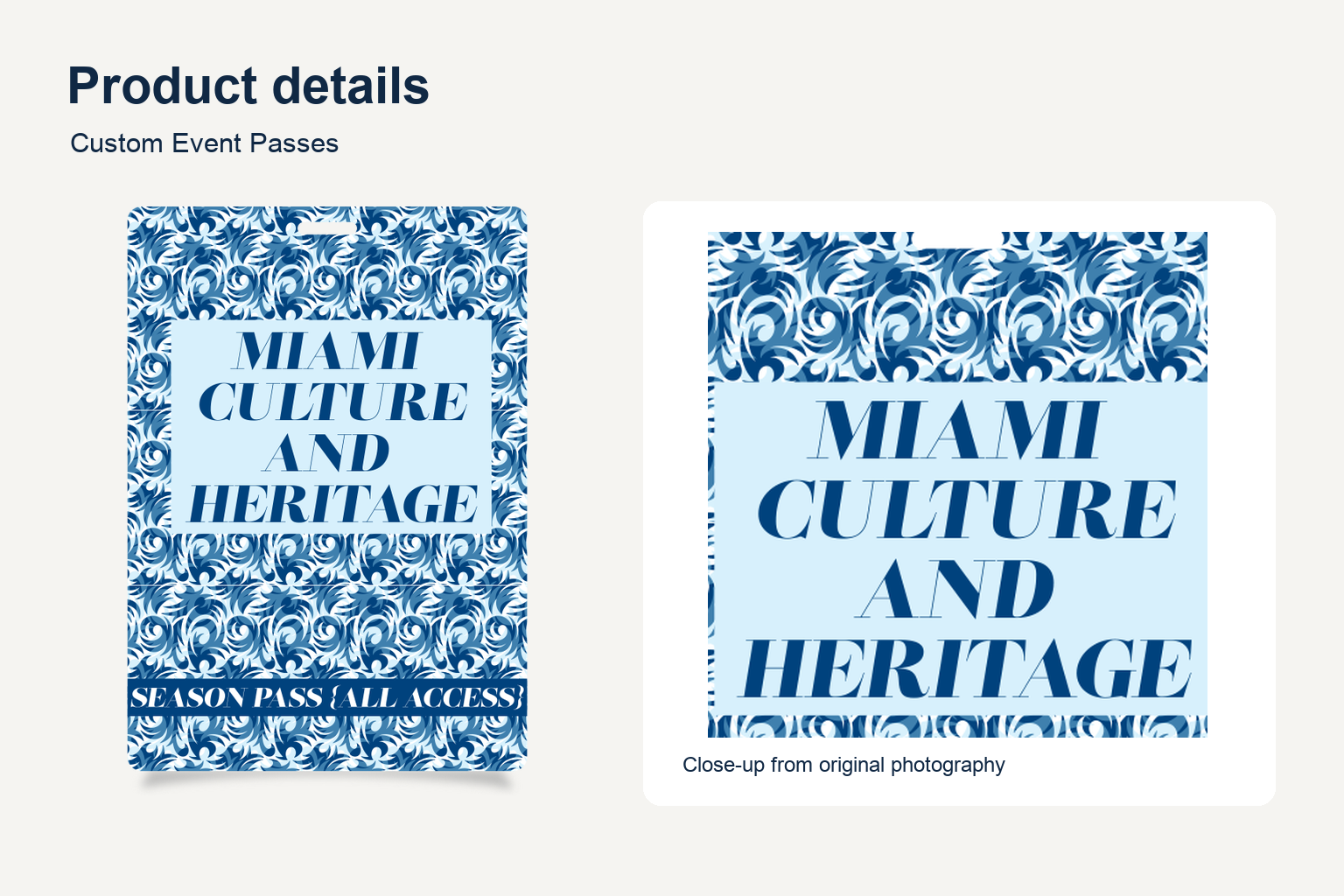
A custom event pass for identifying guests and attendees at event registration and entrances.
Custom Logo Printing for Small Orders
Share your event identity, guest categories and exact artwork for each pass version. Confirm print area and method in your quote.
Size and artwork options for your custom event pass
1. Choose the finished size
Compare the finished width and height with your existing holder and the amount of text the pass needs to carry.
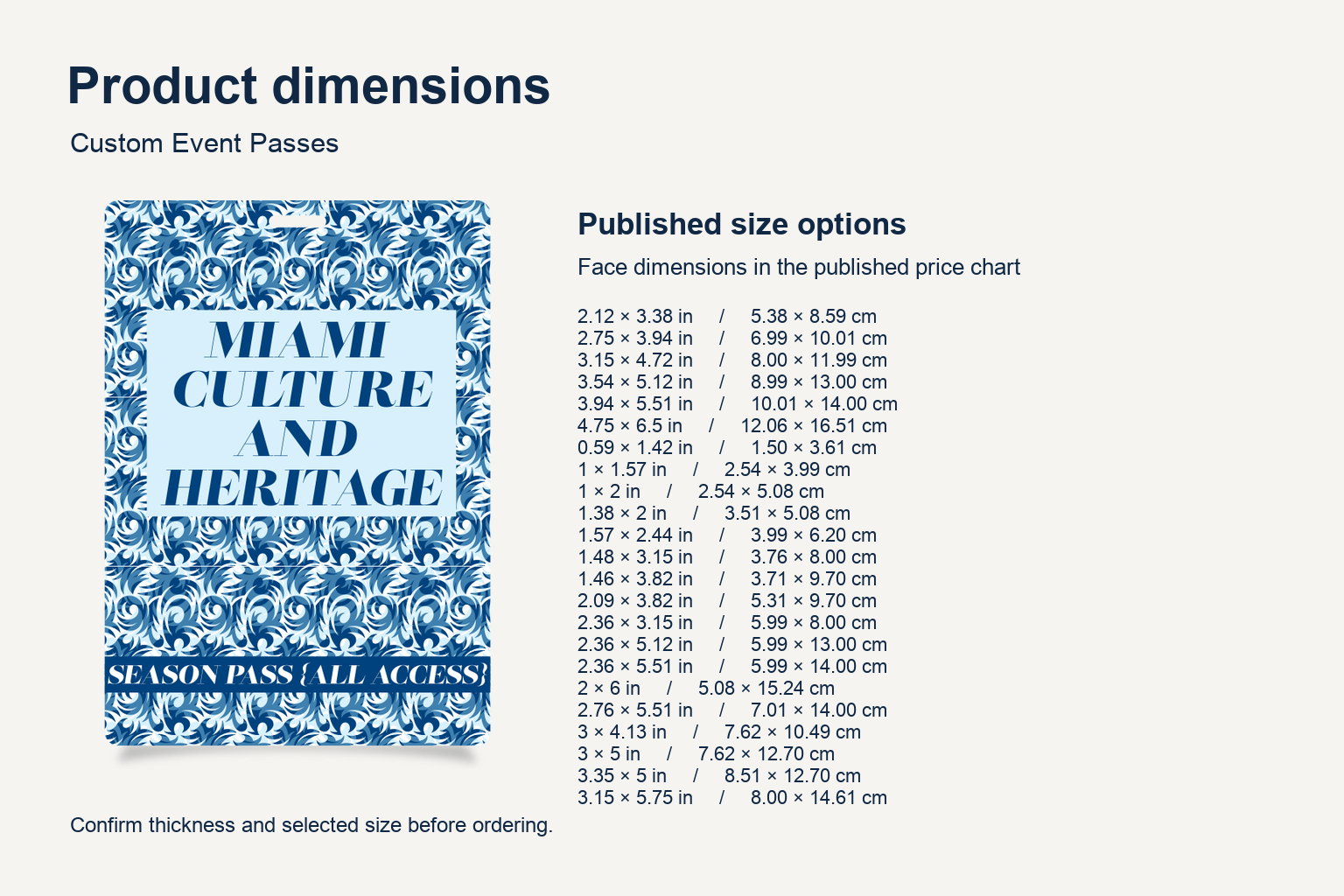
View 23 published portrait sizes
| Width × height (in) | Width × height (cm) |
|---|---|
| 2.12 × 3.38 | 5.38 × 8.59 |
| 2.75 × 3.94 | 6.99 × 10.01 |
| 3.15 × 4.72 | 8.00 × 11.99 |
| 3.54 × 5.12 | 8.99 × 13.00 |
| 3.94 × 5.51 | 10.01 × 14.00 |
| 4.75 × 6.5 | 12.06 × 16.51 |
| 0.59 × 1.42 | 1.50 × 3.61 |
| 1 × 1.57 | 2.54 × 3.99 |
| 1 × 2 | 2.54 × 5.08 |
| 1.38 × 2 | 3.51 × 5.08 |
| 1.57 × 2.44 | 3.99 × 6.20 |
| 1.48 × 3.15 | 3.76 × 8.00 |
| 1.46 × 3.82 | 3.71 × 9.70 |
| 2.09 × 3.82 | 5.31 × 9.70 |
| 2.36 × 3.15 | 5.99 × 8.00 |
| 2.36 × 5.12 | 5.99 × 13.00 |
| 2.36 × 5.51 | 5.99 × 14.00 |
| 2 × 6 | 5.08 × 15.24 |
| 2.76 × 5.51 | 7.01 × 14.00 |
| 3 × 4.13 | 7.62 × 10.49 |
| 3 × 5 | 7.62 × 12.70 |
| 3.35 × 5 | 8.51 × 12.70 |
| 3.15 × 5.75 | 8.00 × 14.61 |
2. Choose the artwork orientation
Use portrait for stacked information or landscape for longer names. Mark the intended top edge when preparing artwork for a pass worn on a lanyard.
3. Plan the artwork for your custom event pass
Decide what staff should be able to read at a glance during check-in. A guest pass might emphasize the event name and attendee category, while a crew pass can give more space to the role. Use the same location for the role on each design so the versions can be compared quickly.
For a custom event pass with names that vary by attendee, review the layout using both a short name and a long one. If a logo is supplied in different color versions, select the one that remains clear against your intended card background. Keep logos and decorative elements away from the area reserved for a slot or clip.
4. Prepare quantities and review the proof
List each design and its quantity in your quote request. If you plan to order guest, staff and VIP versions together, label each artwork file with its intended group. Confirm the production options and the minimum that applies to each design before approving the order.
Review the proof at the finished size. Check spelling, role labels, the intended top edge and whether the artwork remains visible when worn or inserted into a holder. Confirm the final fit with the holder and attachment you plan to use.
Reordering a custom event pass for a recurring event? Attach the previous proof and mark any changes to the event date, venue or access labels. If multiple teams are submitting artwork, name each custom event pass file by attendee group and list its quantity in your quote request.
See the event pass size reference for the supplier’s options. Request a quote for QT002 with the selected dimensions, quantity, artwork and desired delivery date.
Product specifications
| Model | QT002 |
|---|---|
| Dimensions | 23 published portrait options. See the size table and confirm your selection when requesting a quote. |
| Minimum order | 6 units per model |
| Logo customization | Available. Confirm placement and print method during quoting. |
Frequently asked questions
What sizes are available?
Options include 2.12 × 3.38 in (5.38 × 8.59 cm) and 4.75 × 6.50 in (12.06 × 16.51 cm). See the size table for the complete list.
What is the minimum order?
Six units per model.
Can I add my event logo?
Yes. Supply the logo and wording for each design.


Reviews
There are no reviews yet.