



Custom Printed ID Badge
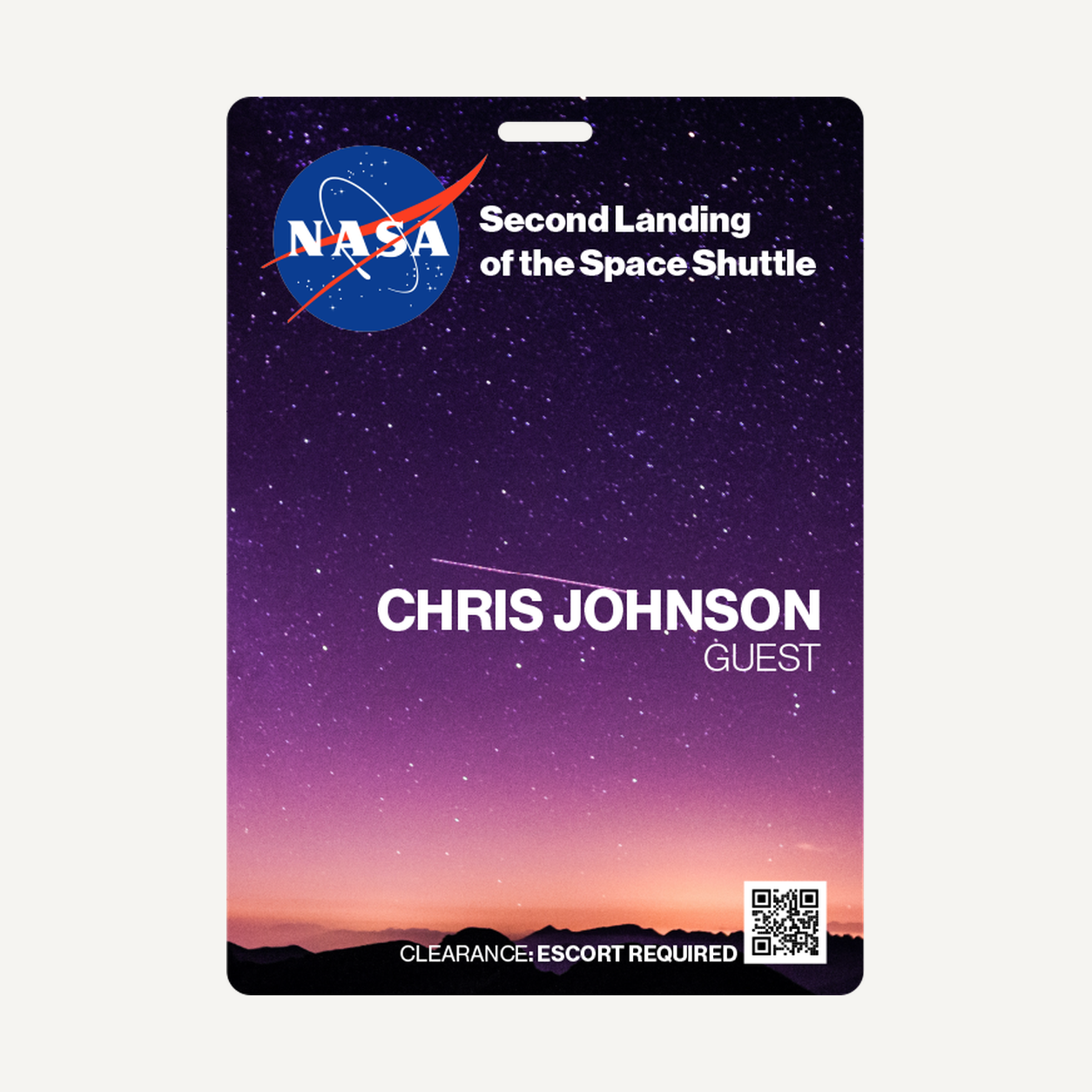
The QT001 custom printed ID badge is designed for guest check-in and credential display.
Specifications
| Model | QT001 |
|---|---|
| Dimensions | 23 supplier-listed size options in portrait or landscape. See size table below. |
| Thickness options | 0.76, 0.90 or 1.00 mm (0.030, 0.035 or 0.039 in) |
| Minimum order | 6 units per model |
| Customization | Logo customization available |
Ordering and Customization
Include model QT001, quantity and artwork requirements when requesting a quote. Confirm the print area, placement, method, price and lead time with your quote.
Frequently Asked Questions
What size is QT001?
Common options include 2.12 × 3.38 in (5.38 × 8.59 cm) and 4.75 × 6.50 in (12.06 × 16.51 cm). See the size table for all listed portrait options.
What is the minimum order?
Six units per model.
Can I add my logo?
Yes. Confirm the print area, placement and method when requesting a quote.
How do I request a quote?
Include model QT001, your quantity and artwork requirements.
Size options for the QT001 custom printed ID badge
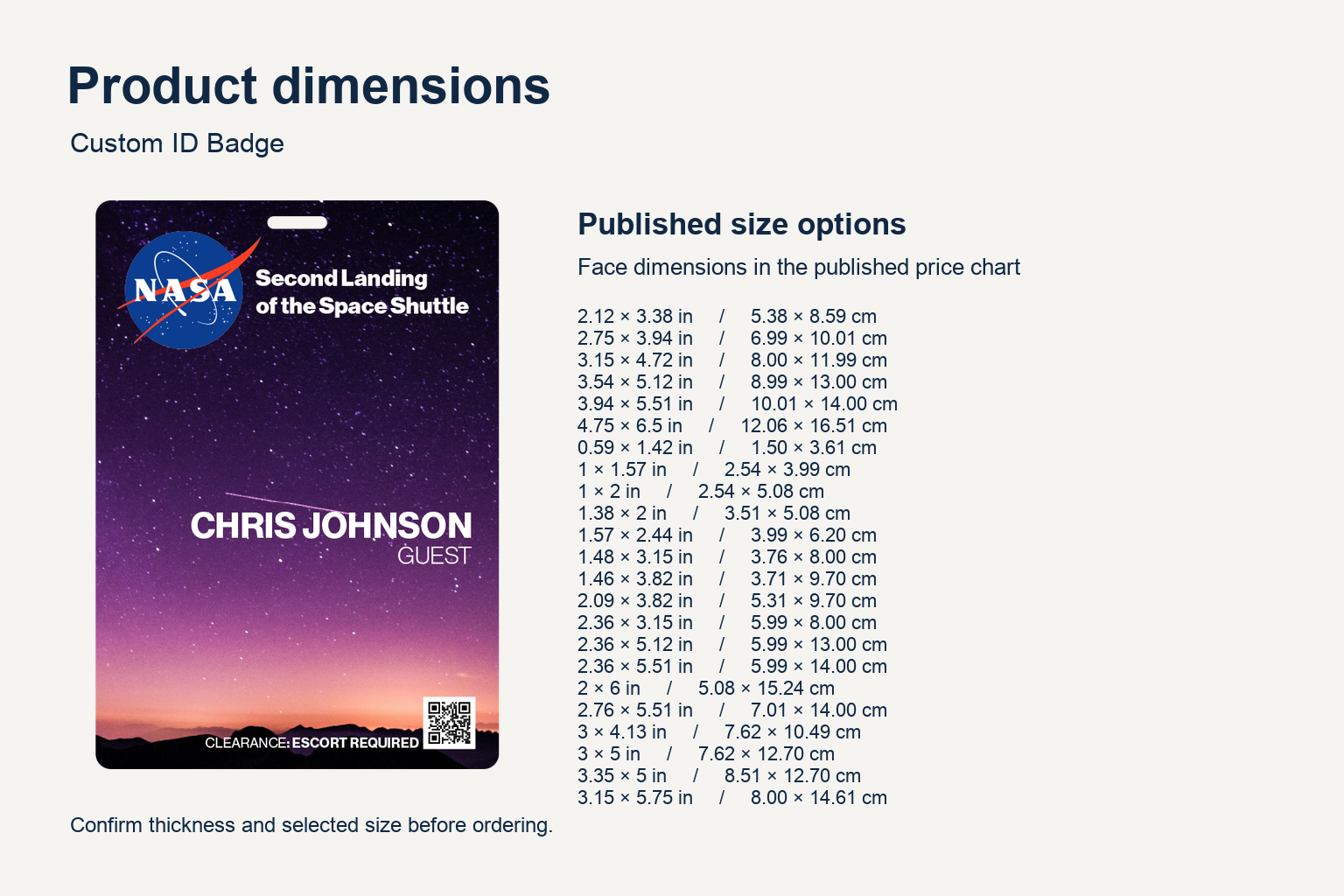
Choose the finished width and height for your custom printed ID badge. The supplier lists these portrait sizes, with landscape equivalents and a custom-size option. The product image shows an artwork example. Specify your chosen size and orientation when requesting a quote.
| Width × height (in) | Width × height (cm) |
|---|---|
| 2.12 × 3.38 | 5.38 × 8.59 |
| 2.75 × 3.94 | 6.99 × 10.01 |
| 3.15 × 4.72 | 8.00 × 11.99 |
| 3.54 × 5.12 | 8.99 × 13.00 |
| 3.94 × 5.51 | 10.01 × 14.00 |
| 4.75 × 6.5 | 12.06 × 16.51 |
| 0.59 × 1.42 | 1.50 × 3.61 |
| 1 × 1.57 | 2.54 × 3.99 |
| 1 × 2 | 2.54 × 5.08 |
| 1.38 × 2 | 3.51 × 5.08 |
| 1.57 × 2.44 | 3.99 × 6.20 |
| 1.48 × 3.15 | 3.76 × 8.00 |
| 1.46 × 3.82 | 3.71 × 9.70 |
| 2.09 × 3.82 | 5.31 × 9.70 |
| 2.36 × 3.15 | 5.99 × 8.00 |
| 2.36 × 5.12 | 5.99 × 13.00 |
| 2.36 × 5.51 | 5.99 × 14.00 |
| 2 × 6 | 5.08 × 15.24 |
| 2.76 × 5.51 | 7.01 × 14.00 |
| 3 × 4.13 | 7.62 × 10.49 |
| 3 × 5 | 7.62 × 12.70 |
| 3.35 × 5 | 8.51 × 12.70 |
| 3.15 × 5.75 | 8.00 × 14.61 |
If you are matching an existing badge holder, measure the insert space and compare it with the finished card dimensions. If your artwork includes a name, role or logo, review a proof at the intended print size. A layout that reads well on a larger event pass may need larger type or less text when printed on a smaller badge.
Landscape size reference
Use the landscape table when the badge will be worn or displayed with its long edge horizontal. Match both dimensions to the holder’s insert opening.
| Width × height (in) | Width × height (cm) |
|---|---|
| 3.38 × 2.12 | 8.59 × 5.38 |
| 3.94 × 2.75 | 10.01 × 6.99 |
| 4.72 × 3.15 | 11.99 × 8.00 |
| 5.12 × 3.54 | 13.00 × 8.99 |
| 5.51 × 3.94 | 14.00 × 10.01 |
| 6.5 × 4.75 | 16.51 × 12.06 |
| 1.42 × 0.59 | 3.61 × 1.50 |
| 1.57 × 1 | 3.99 × 2.54 |
| 2 × 1 | 5.08 × 2.54 |
| 2 × 1.38 | 5.08 × 3.51 |
| 2.44 × 1.57 | 6.20 × 3.99 |
| 3.15 × 1.48 | 8.00 × 3.76 |
| 3.82 × 1.46 | 9.70 × 3.71 |
| 3.82 × 2.09 | 9.70 × 5.31 |
| 3.15 × 2.36 | 8.00 × 5.99 |
| 5.12 × 2.36 | 13.00 × 5.99 |
| 5.51 × 2.36 | 14.00 × 5.99 |
| 6 × 2 | 15.24 × 5.08 |
| 5.51 × 2.76 | 14.00 × 7.01 |
| 4.13 × 3 | 10.49 × 7.62 |
| 5 × 3 | 12.70 × 7.62 |
| 5 × 3.35 | 12.70 × 8.51 |
| 5.75 × 3.15 | 14.61 × 8.00 |
Finish and mounting options
The supplier lists glossy, matte, frosted and holographic finishes. Choose a finish alongside your artwork. For a custom printed ID badge that needs to be read quickly, review the contrast between the text and background and ask to see how the selected finish affects the design.
Listed shapes include rectangle, square, round and custom. The supplier also lists white, transparent, black and gold glitter card colors. If the layout reaches the card edge or relies on a clear area, share the intended effect with the artwork so it can be reviewed during quoting.
Hole options include oval, circle, double circle, double oval, oval plus circle, and no hole. If your custom printed ID badge will hang from an existing lanyard, provide the clip type and identify which edge should face up. For a badge used inside a holder, provide the holder orientation and usable insert dimensions.
Check that the selected shape, finish, color, thickness and hole option can be combined in the same order. Include these selections when requesting a quote for QT001. Ask for the placement of the hole to be shown in the artwork proof before approving production.
Artwork review checklist
Send the logo and exact text you want printed. If the badge includes both a personal name and a job title, decide which line should be most prominent. Provide an example of a long name if you expect names of different lengths.
Review spelling and alignment on the proof for your custom printed ID badge. Check that the artwork faces the right way when the badge hangs or sits in the holder. If you plan multiple artwork versions, label them clearly and attach a quantity for each.
When using color to identify teams, add a printed role or group label so the badge can still be understood without relying on color. Ask for a proof of each version if the text, background or artwork differs. Keep a record of the approved version so reorders can be compared against the original.
For a custom printed ID badge used at a reception desk, decide whether visitors need to identify their group, session or host. Put any information that needs to be read during check-in in a consistent location. Keep optional branding and decorative graphics separate from that information.
Artwork for your custom printed ID badge
For guest check-in, put the attendee name or role where staff can read it quickly. Use a clear hierarchy for the event name, organization logo and any access designation. Keep decorative artwork away from essential information. If the badge will be worn on a lanyard, tell us how you plan to attach it so the artwork can leave enough space for the confirmed attachment area.
Planning a custom printed ID badge order
Start with the way the badge will be used
At a registration desk, staff may need to distinguish attendees from exhibitors, speakers or guests. Decide which groups require separate layouts before requesting a quote. For a reusable role badge, a role label may be sufficient. For an individually named badge, supply the names and roles in a separate list and indicate which fields should be printed.
A custom printed ID badge worn on a lanyard should face upright when suspended. Mark the intended top edge in the artwork notes. If your custom printed ID badge will be inserted into a holder, measure the usable insert space and check that the holder’s visible window does not cover the logo, name or role.
Compare formats using your actual artwork
For a custom printed ID badge with a logo and a short label, preview the smallest size you are considering at actual size. If names, event details or sponsor marks become difficult to read, compare a larger option. Check width and height independently, especially if you already have a holder or another attachment that must fit.
When selecting a finish for a custom printed ID badge, consider the conditions where the card will be read. A badge used at a brightly lit entry desk may be viewed at different angles. Ask to review a sample or proof if readability depends on fine print, a low-contrast logo or a special finish.
Prepare artwork and quantities for quoting
Send the artwork version for each badge group along with its quantity. For example, list attendee, staff and speaker versions separately when their graphics or wording differ. If both sides need artwork, label the front and back files and show the intended orientation on each. Confirm available printing options and the applicable minimum for each version with your quote.
Include the model number, finished size, thickness, finish, color and mounting preference. If you are requesting a custom size, provide the finished width and height in one unit system. Note whether the dimensions are for the badge itself or for a holder you intend to use.
Review the proof before placing the order
Use the proof to verify the layout against your quote. Check the finished dimensions, orientation, text, logo placement and any opening for a clip. For multiple badge versions, compare each proof with its corresponding artwork and quantity. If a revision changes a dimension or moves a hole, recheck compatibility with the attachment before approving it.
What to include in your quote request
- Model QT001 and the total quantity you need.
- Your preferred finished dimensions and portrait or landscape orientation.
- The artwork, logo and any text that varies between badges.
- The intended use, such as guest check-in, staff identification or a branded event credential.
- Any attachment requirements and your requested delivery date.
When ordering this custom printed ID badge for multiple teams, list the quantity and artwork requirements for each version. Confirm the dimensions and print layout before approving production. If you already use a holder or clip, include its dimensions and connection type with your request.
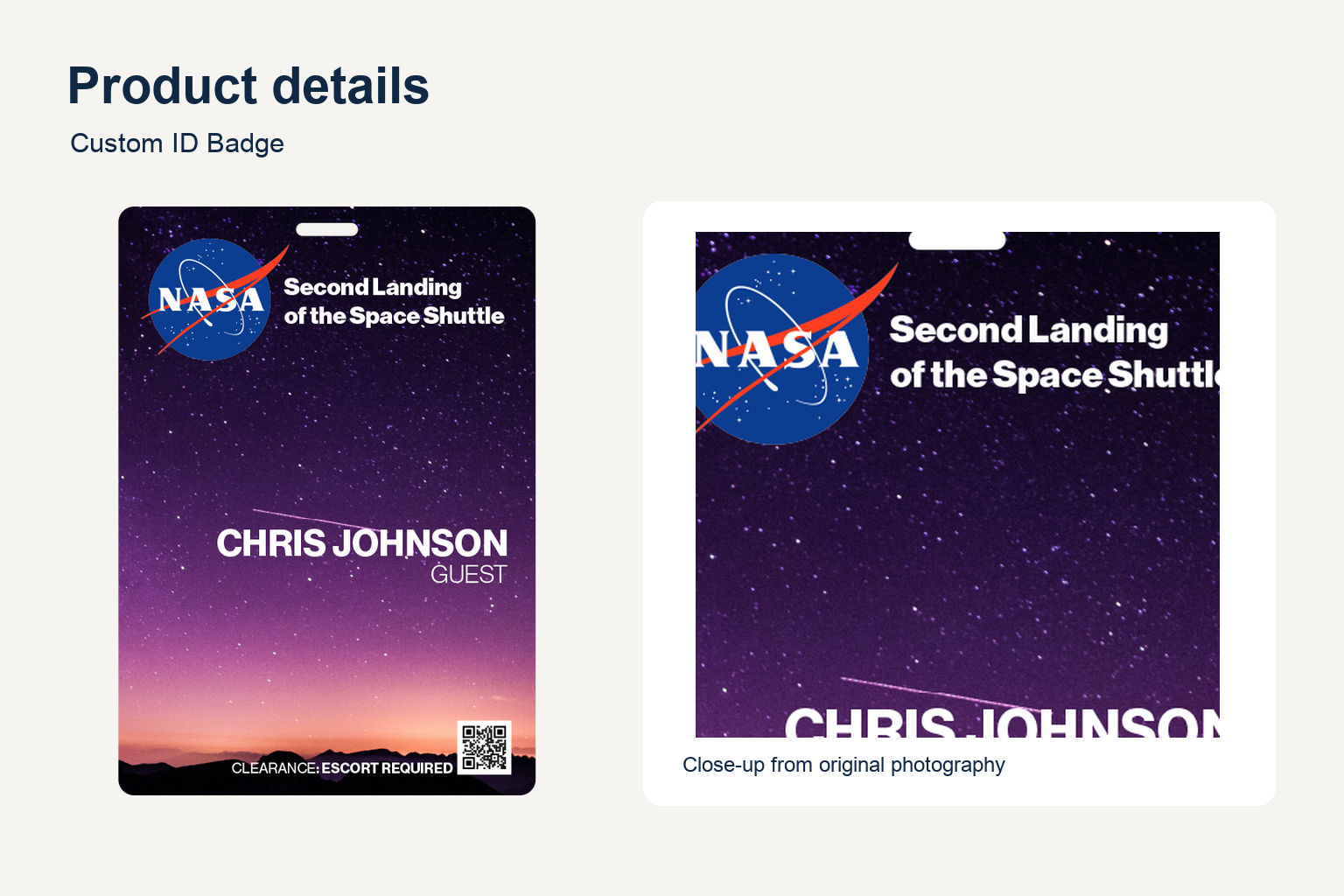
See the supplier’s badge reference for an example of the product format. Confirm your selected configuration with the quote.
Choosing a format for your custom printed ID badge
Portrait layouts suit stacked information such as an event name above a guest name. A landscape layout leaves more room for long names or logos placed side by side. When comparing formats, check the finished width and height against the holder and allow room for any confirmed attachment opening.
Compare QT001 sizes by layout and use
Compact formats for short labels
Start with the compact rows if your custom printed ID badge only needs a short label or small mark. The listed 0.59 × 1.42 in format has a narrow profile. The 1 × 1.57 in and 1 × 2 in options give a short line of text or a simple symbol more space. If a name must be readable from across a counter, check an actual-size proof before selecting one of these smaller formats.
Mid-size formats for named credentials
For a custom printed ID badge with a name, role and logo, compare 2.12 × 3.38 in with 2.75 × 3.94 in. Keep the same artwork in both previews so you can compare the size of the smallest text. When replacing existing stock, use the dimensions of the current card as a starting point and verify the fit against the actual holder.
Long or wide formats for event information
The 2 × 6 in and 2.36 × 5.51 in options provide a longer layout for information that reads in sequence. A wider format such as 3.94 × 5.51 in allows more space for separate fields. Compare these with 4.75 × 6.50 in if the badge also needs event artwork or a large printed role. Test how much of the card remains visible when worn against clothing.
Size and attachment decisions
Measure the part of the clip that passes through the opening and ask for the chosen hole to be shown on the proof. Check that the proposed position leaves room for the text and logo. When using a no-hole card inside a holder, confirm the orientation in which the card is inserted and check where the holder closes.
Sample quote brief
A buyer preparing a custom printed ID badge request might specify QT001, portrait orientation, a 2.12 × 3.38 in finished size and matte finish, with one artwork file for each role. List the quantities next to those files and indicate whether the same lanyard or holder will be used across all versions. Treat this as a sample configuration and confirm the exact combination during quoting.
If another team is handling artwork approval, include its contact in your own procurement handoff and identify which specifications are already decided. Keep a copy of the final approved dimensions and attachment choice for repeat orders. If the artwork or holder changes later, recheck the layout and fit rather than relying on the previous approval.
For a custom printed ID badge requested in both orientations, supply a separate proof reference for each layout. Check the top edge, name position and logo orientation in both files so the finished design reads correctly in use.


Reviews
There are no reviews yet.