




TERCEL · QT012
Plastic Insert Badge Holder for printed credentials
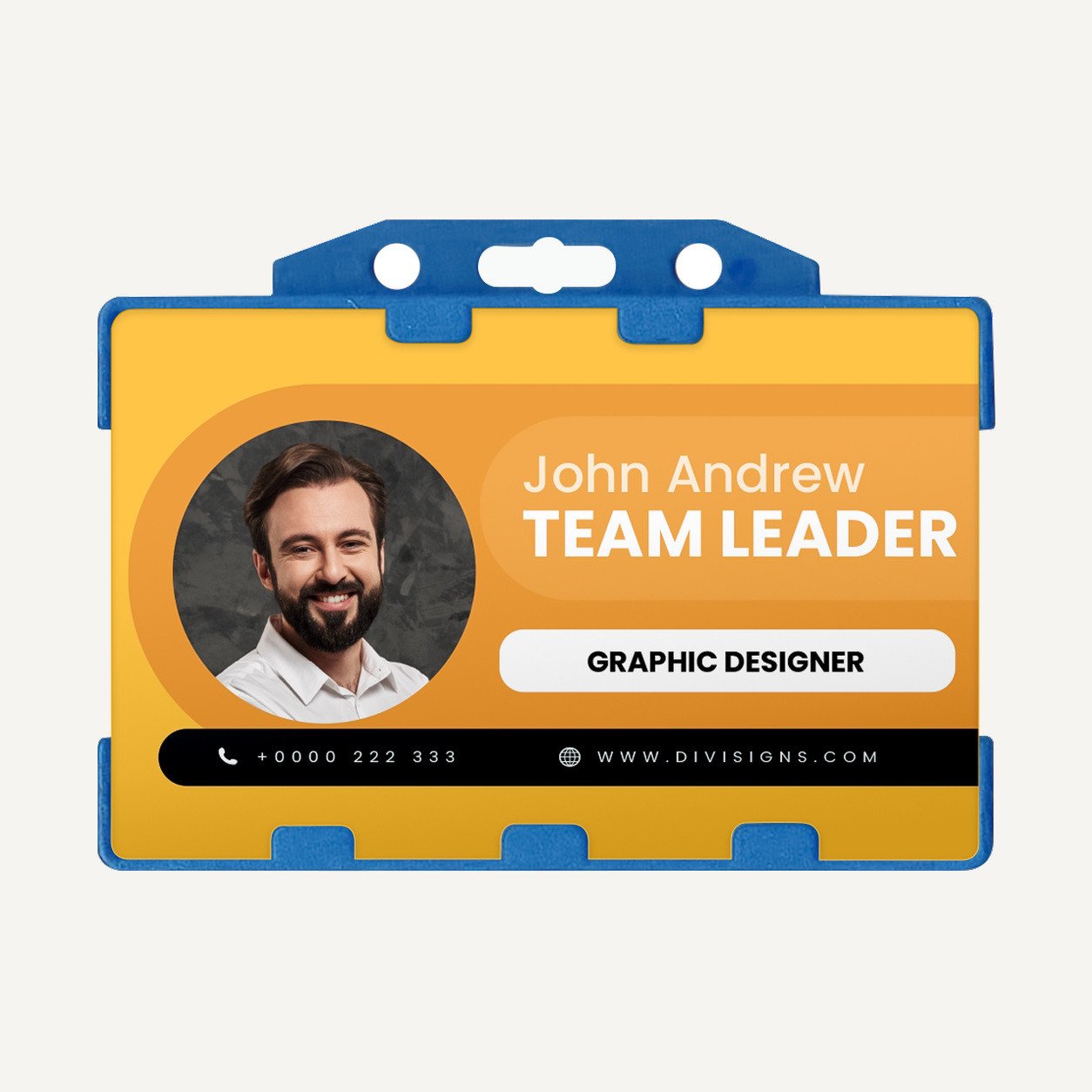
A plastic frame with an insert pocket keeps a printed staff card or event credential visible. Multiple size and orientation options are available.
Logo Customization for Small Orders
Confirm the printable surface and approved placement with your quote. Provide the artwork and exact wording with the quantity you need.
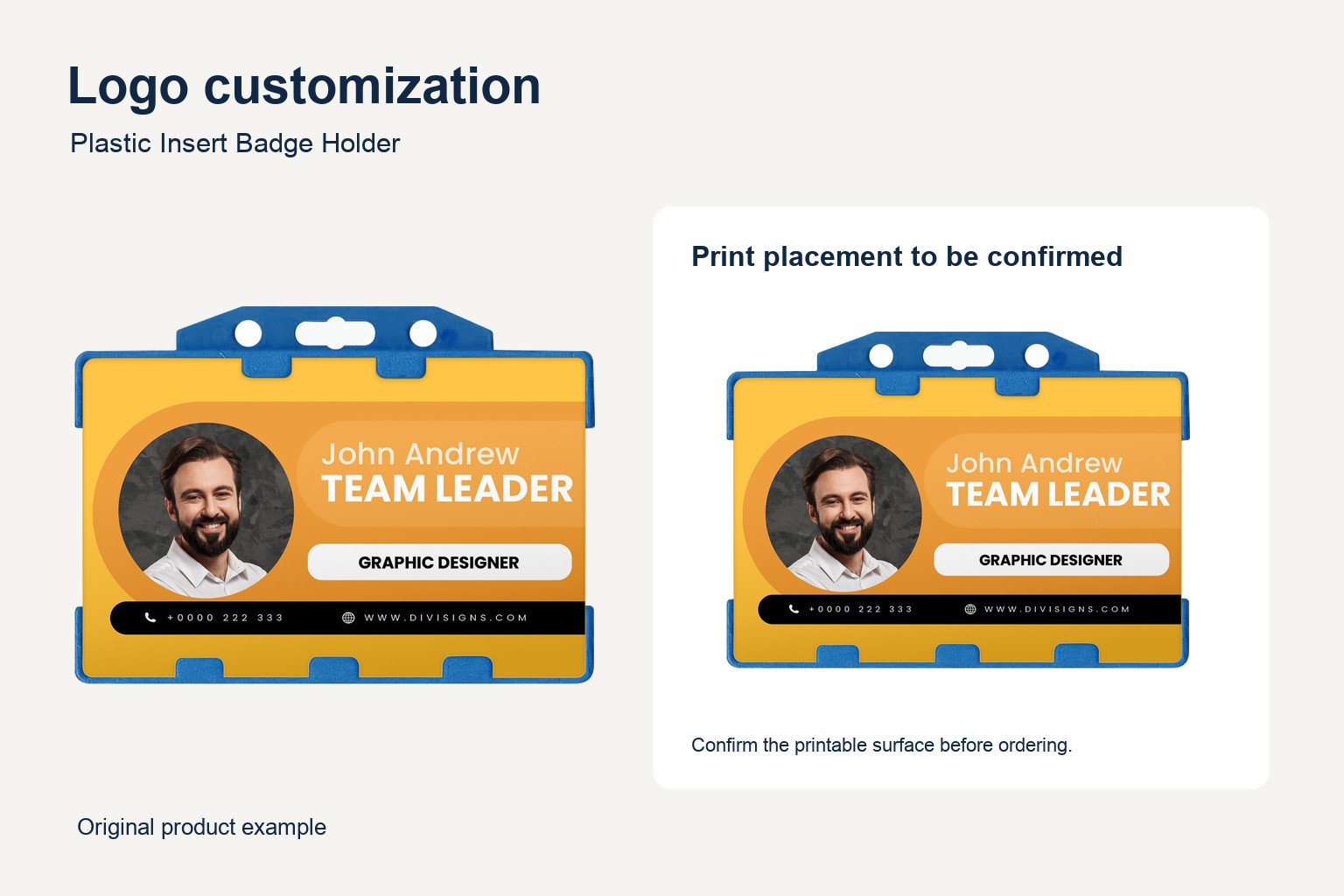
See the branding in use
YOUR LOGO is shown on the printed insert. Confirm holder-body print area separately.
Options for your plastic insert badge holder
1. Match the insert size
Measure the finished card width and height and compare them with the insert measurements. Check the outer dimensions separately. The holder’s outside measurement includes its frame and should not be used as usable card space.
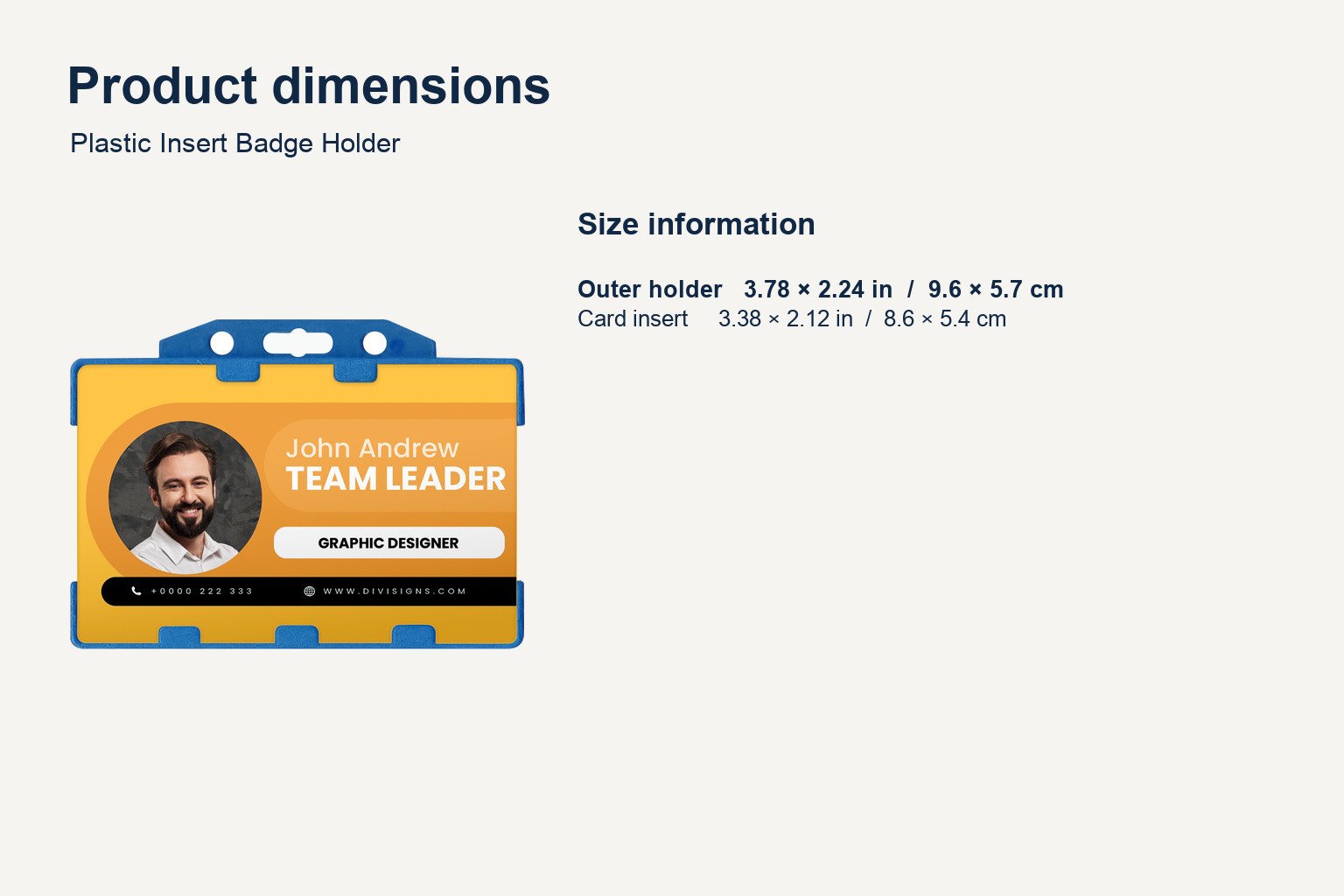
View outer holder and card insert dimensions
| Outer holder (in / cm) | Card insert (in / cm) |
|---|---|
| 3.78 × 2.24 in / 9.6 × 5.7 cm | 3.38 × 2.12 in / 8.6 × 5.4 cm |
| 2.24 × 3.78 in / 5.7 × 9.6 cm | 2.12 × 3.38 in / 5.4 × 8.6 cm |
The supplier’s vertical and horizontal labels conflict with the stated width and height. The dimension pairs below are listed without those labels. Confirm orientation before production.
2. Choose a color
The supplier lists black, blue, red, green and white. Select a color that works with the printed insert and your team’s branding. Confirm the color and configuration in the quote.
3. Check the complete credential setup
If you plan to wear the plastic insert badge holder on a lanyard, provide the existing clip type and attachment dimensions. Check which edge will face up when the holder hangs and whether the window leaves the name and role visible.
For a plastic insert badge holder used across several teams, keep the card dimensions consistent where practical. If departments use different inserts, list each holder size and its quantity separately. Check the fit before ordering holders as replacements for an existing card batch.
4. Review artwork and fit
Preview the printed card at actual size. Ensure that the window does not cover the name, role, organization or any other information your team needs to read. Keep essential text clear of the edge that sits behind the frame.
For a branded plastic insert badge holder, confirm the holder print location independently of the artwork on the insert. Send a layout that identifies the intended surface and ask for its dimensions to be included in the proof. Check the approved placement before production.
Keep the selected size, color and attachment choice in your order notes. For future replacements, identify whether the holder should match the previous order or accommodate a changed card format.
Refer to the supplier’s holder specifications when preparing your requirements.
Product specifications
| Model | QT012 |
|---|---|
| Material | Plastic |
| Colors | Black, blue, red, green and white |
| Dimensions | Outer and card insert dimensions listed separately above |
| Minimum order | 6 units per model |
| Logo customization | Confirm the printable surface and approved placement with your quote. |
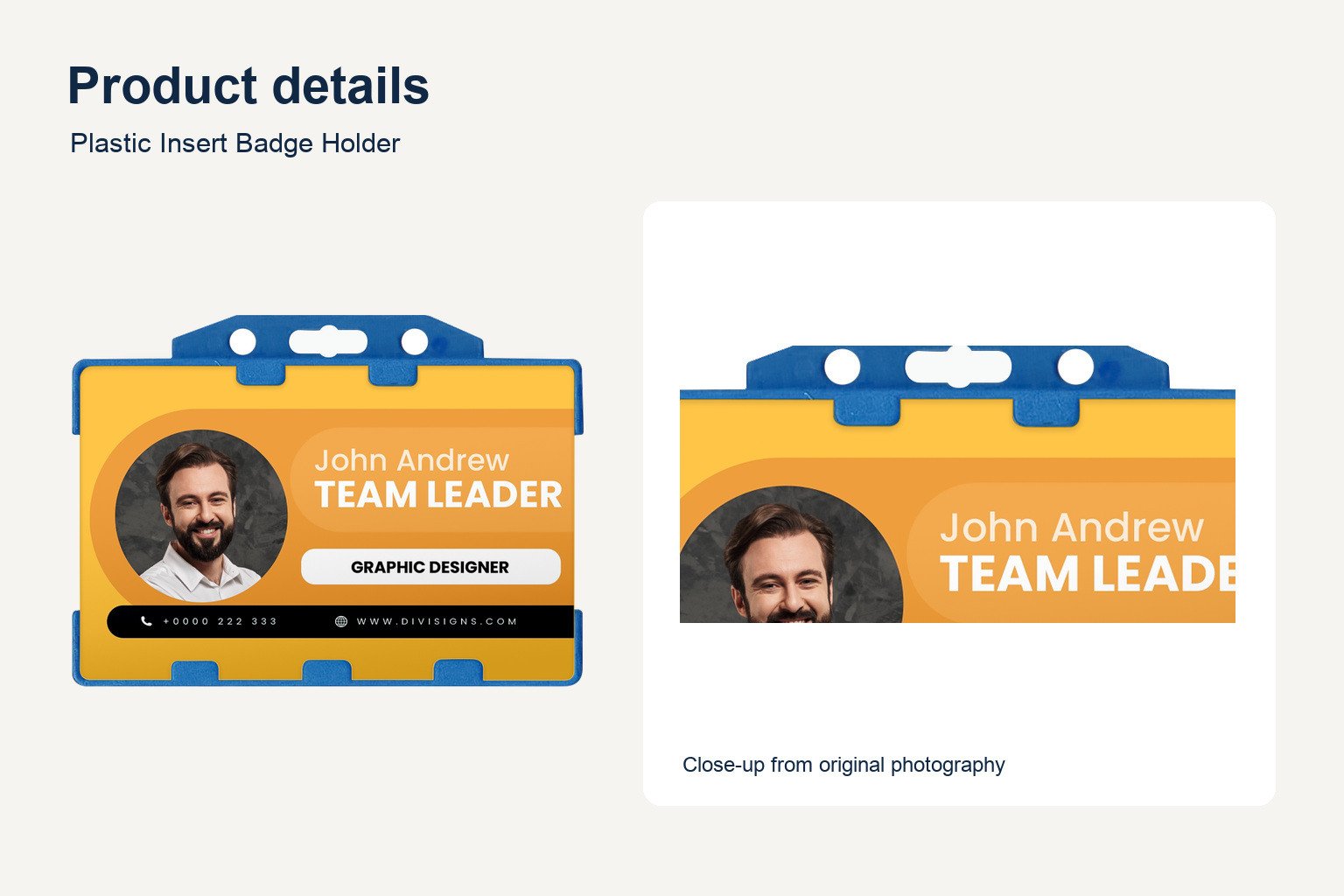
Review the visible product details
Original photograph detail. Confirm the approved configuration before ordering.
Check the size before ordering
Compare the size reference with the full specification table and confirm your selected option.
Frequently asked questions
How do I choose the size?
Match your card to the insert dimensions, then check the outside dimensions of the holder.
What is the minimum order?
Six units per model.
Can I add a logo?
Confirm the printable surface and approved placement with your quote.
How do I request a quote?
Include QT012, quantity, selected size and color, artwork and any attachment requirements. Confirm price and lead time in the quote.



Reviews
There are no reviews yet.