




TERCEL · QT017
Classic Retractable Badge Reel with your logo
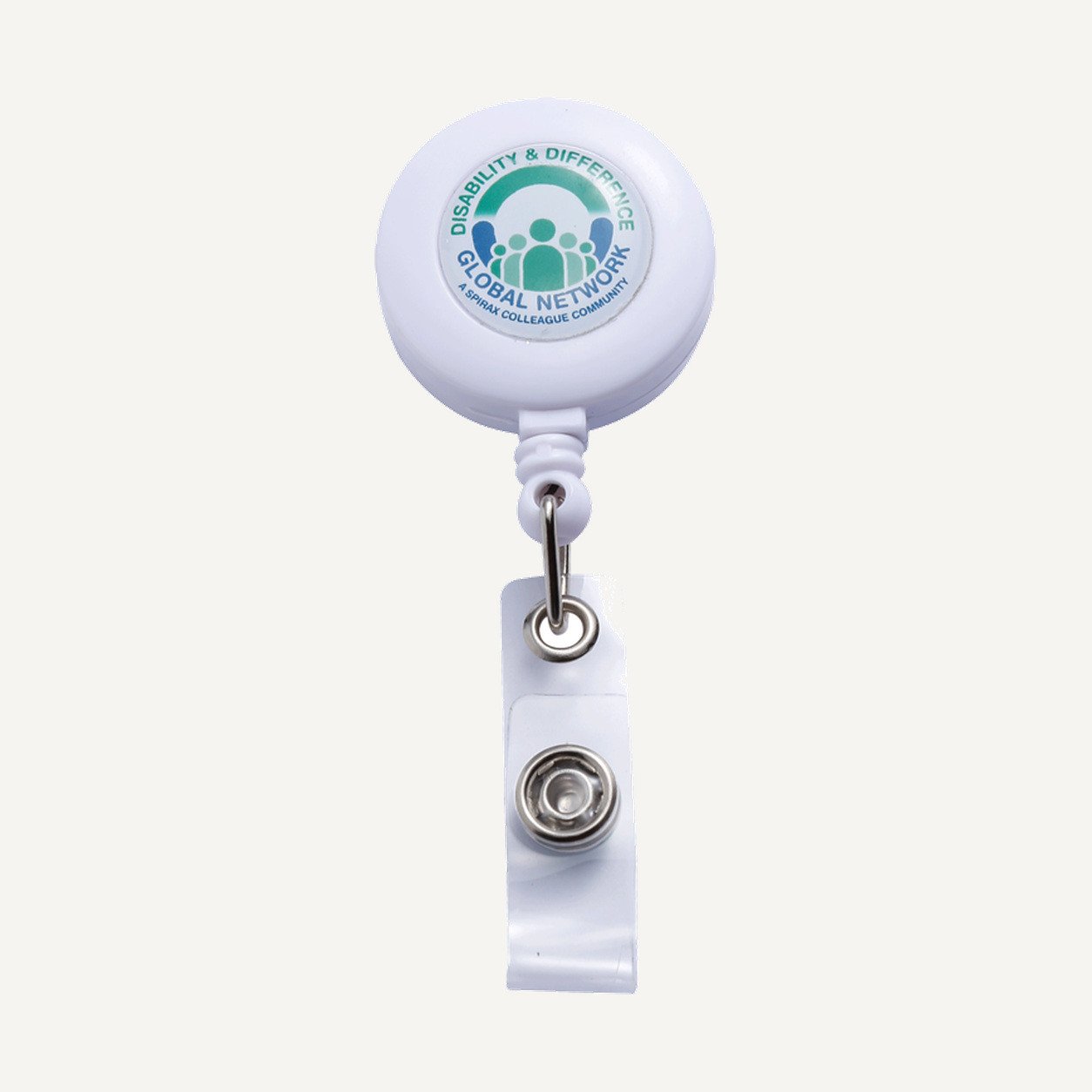
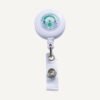
A round retractable badge reel with a front branding face and a clear snap strap carries a compatible credential.
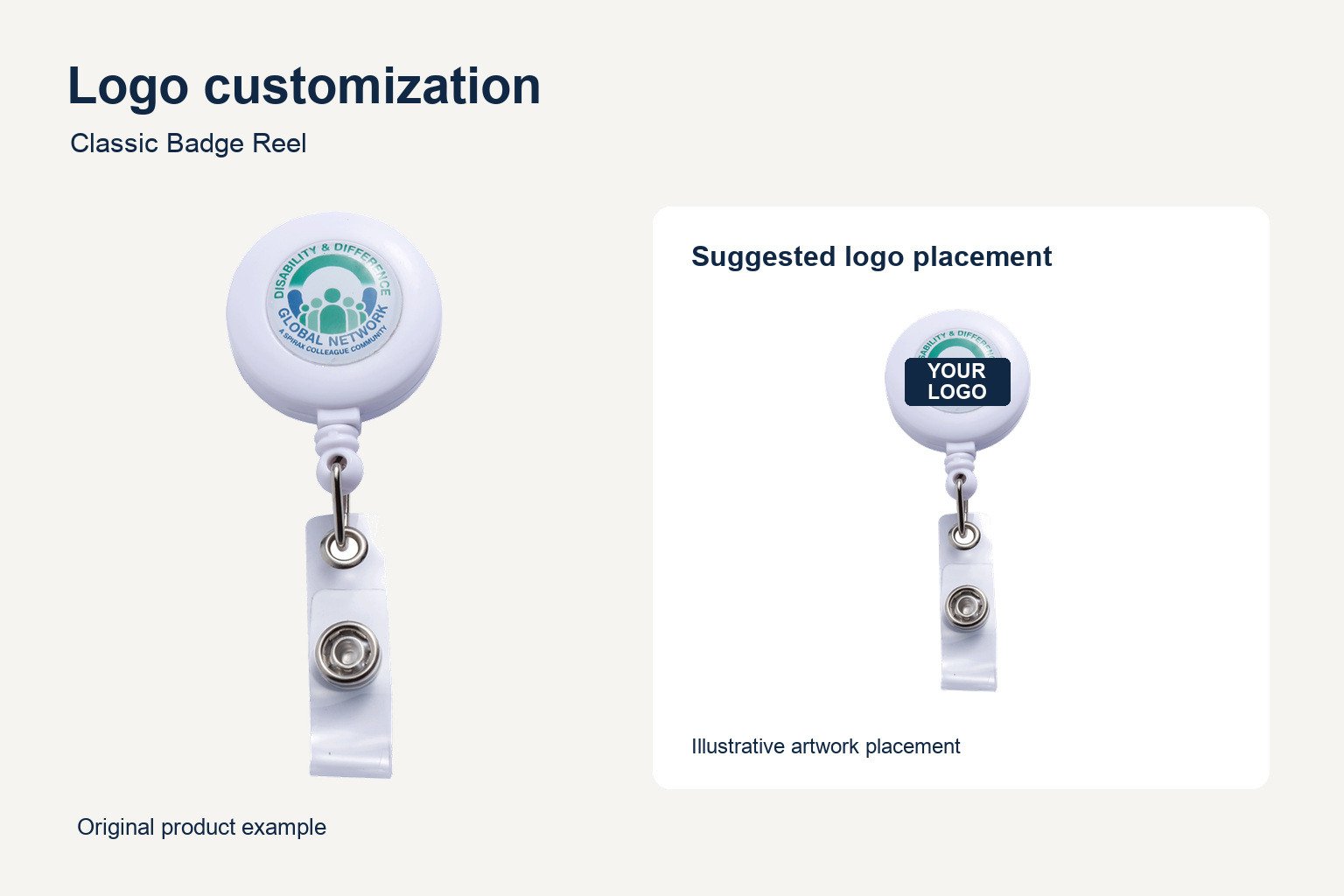
Logo Customization for Small Orders
The front face is the suggested branding area for your classic retractable badge reel. Confirm the usable print area and method with your quote, and review the artwork at its approved size.
See the branding in use
Compare the logo and wearing setup with the attachment you intend to use. Share any existing lanyard or credential requirements with the quote.
Configuration options for your classic retractable badge reel
1. Check the attachment
Choose a wearing position that fits the attachment shown on the product. If your team already uses lanyards or card holders, provide the connection type and dimensions so the complete setup can be checked.
For a classic retractable badge reel used on clothing, confirm how the reel attaches and whether the wearing position lets the strap hang freely. If you plan to attach the reel to a bag or loop, include that attachment detail in your quote request.
2. Confirm dimensions and cord extension
Overall body width and height and the extended cord length have not been verified in the supplier’s product details. Confirm all three before approving your order. Provide your required dimensions in centimeters or inches if you have an existing setup to match.
When comparing reels, check the body dimensions separately from the full length including the strap. If your reader or workstation requires a particular reach, identify that requirement and ask for the compatible extension to be confirmed.
3. Review the logo artwork
Use a compact design that reads at the final print size. A logo with fine lines or several words may need an alternate layout for the small front face. Supply the approved version and ask for the usable print area to be included on the proof.
For a classic retractable badge reel ordered across teams, label the artwork and quantity for each design. If the same mark is used on a badge or lanyard, include a reference so the intended color and layout can be reviewed together.
4. Check the credential connection
Confirm that the snap strap and your credential’s attachment opening fit together. A printed card and a card holder may have different openings, so identify exactly what will be attached to the strap. Ask for the final configuration to be listed in the quote.
Keep the approved attachment, logo proof and dimensions in your order records. When replacing stock, compare those details with the earlier batch so any changes can be reviewed before production.
See the supplier’s badge reel reference for the product style.
Product specifications
| Model | QT017 |
|---|---|
| Material | To be confirmed |
| Body dimensions | To be confirmed (cm / in) |
| Extended cord length | To be confirmed (cm / in) |
| Minimum order | 6 units per model |
| Logo customization | Front face. Confirm print area and method with the quote. |
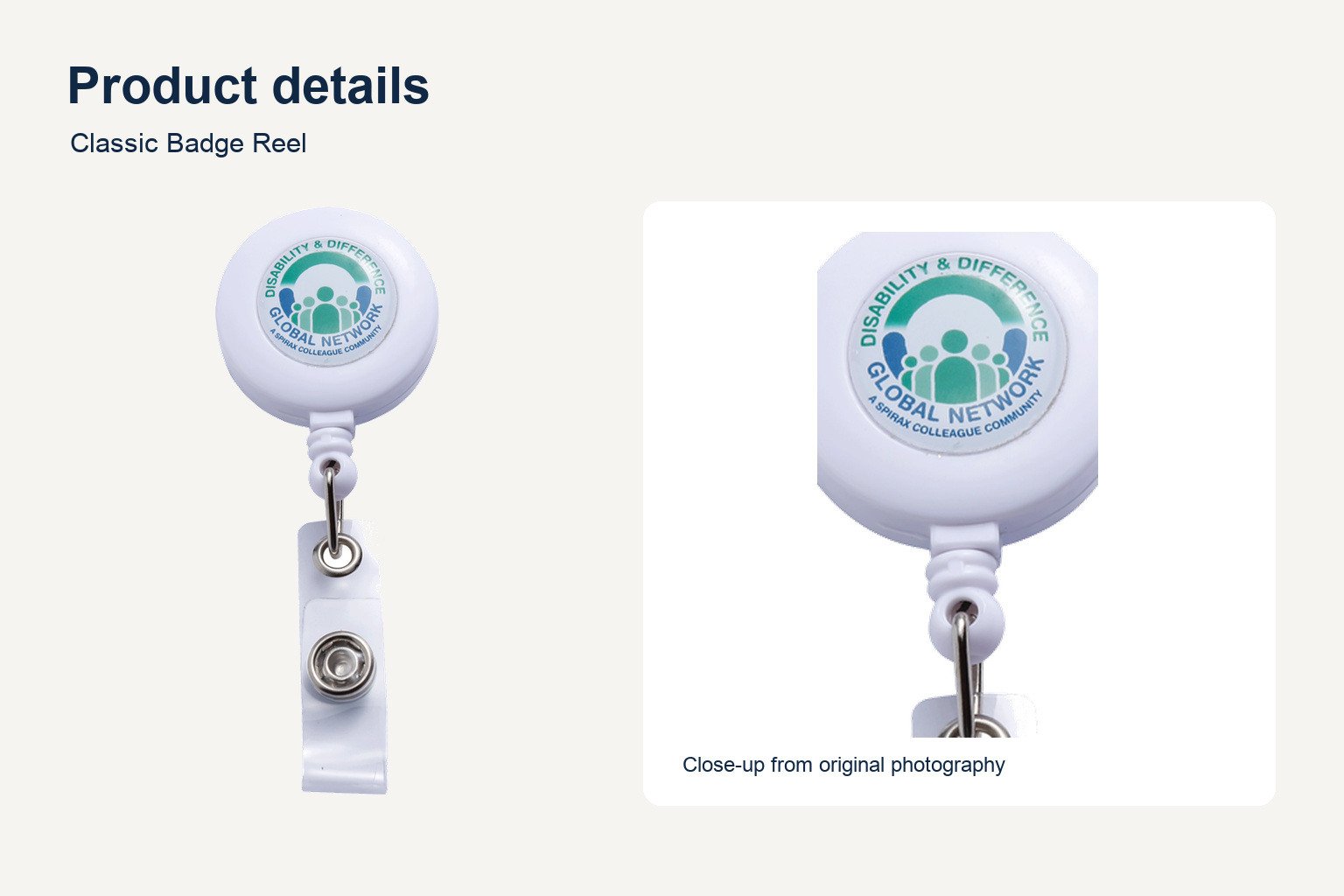
Review the visible product details
Use the original photograph to check the front shape and attachment shown. Confirm the approved configuration before ordering.
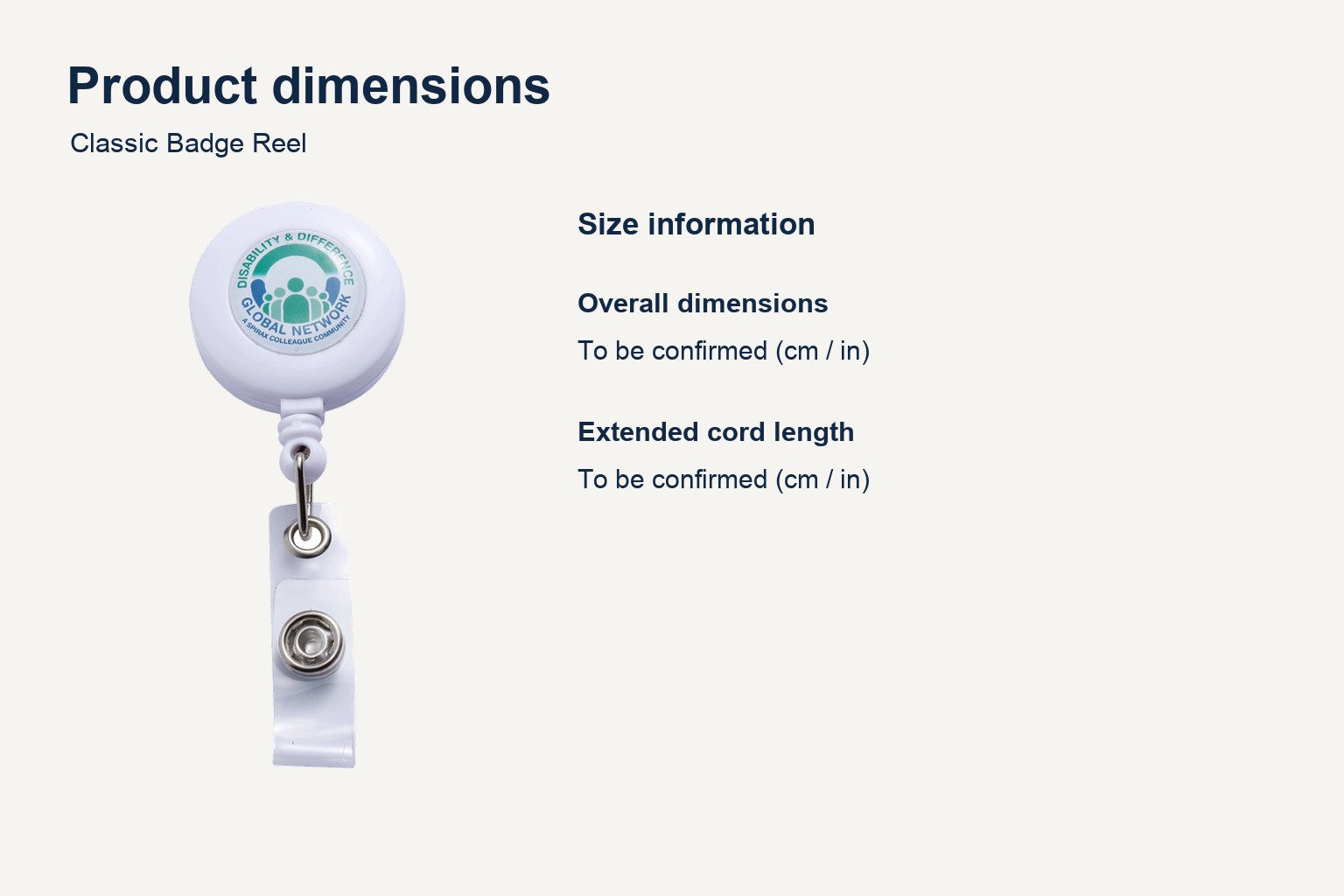
Check the size before ordering
Compare the size reference with the specification table. Any dimensions marked as pending require confirmation.
Frequently asked questions
What are the dimensions?
Confirm body width, height and extended cord length for QT017 with your quote.
What is the minimum order?
Six units per model.
Can I add my logo?
Yes. Confirm the usable front print area and method, then approve the artwork proof.
How do I request a quote?
Include QT017, quantity, logo artwork, preferred color and the credential or holder you intend to attach. Price and lead time are confirmed in the quote.


Reviews
There are no reviews yet.