




TERCEL · QT004
Custom staff ID cards with your logo
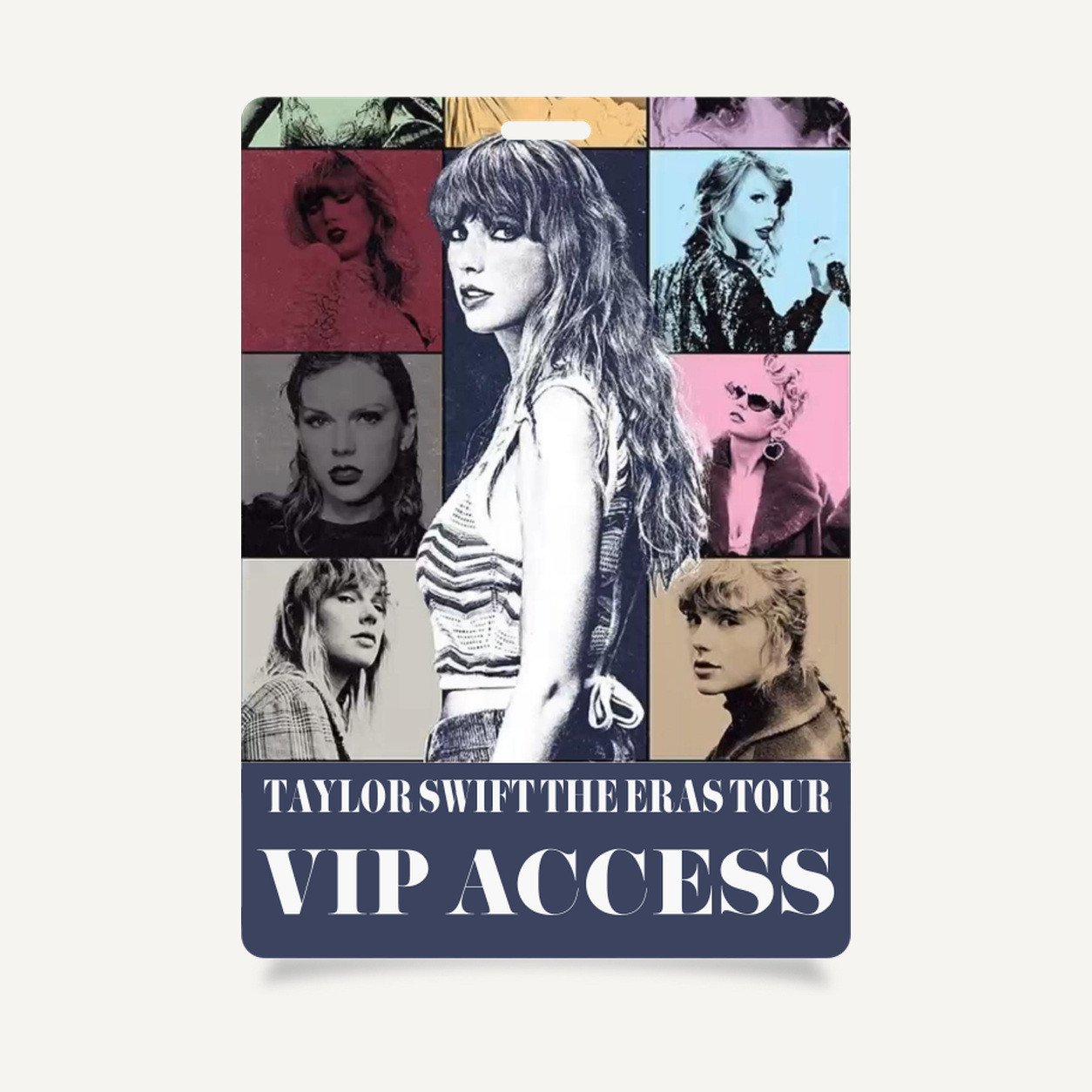
The QT004 custom VIP pass identifies VIP guests at previews, private events and launch check-in. Give the event identity and guest designation a clear place in the layout.
Custom Logo Printing for Small Orders
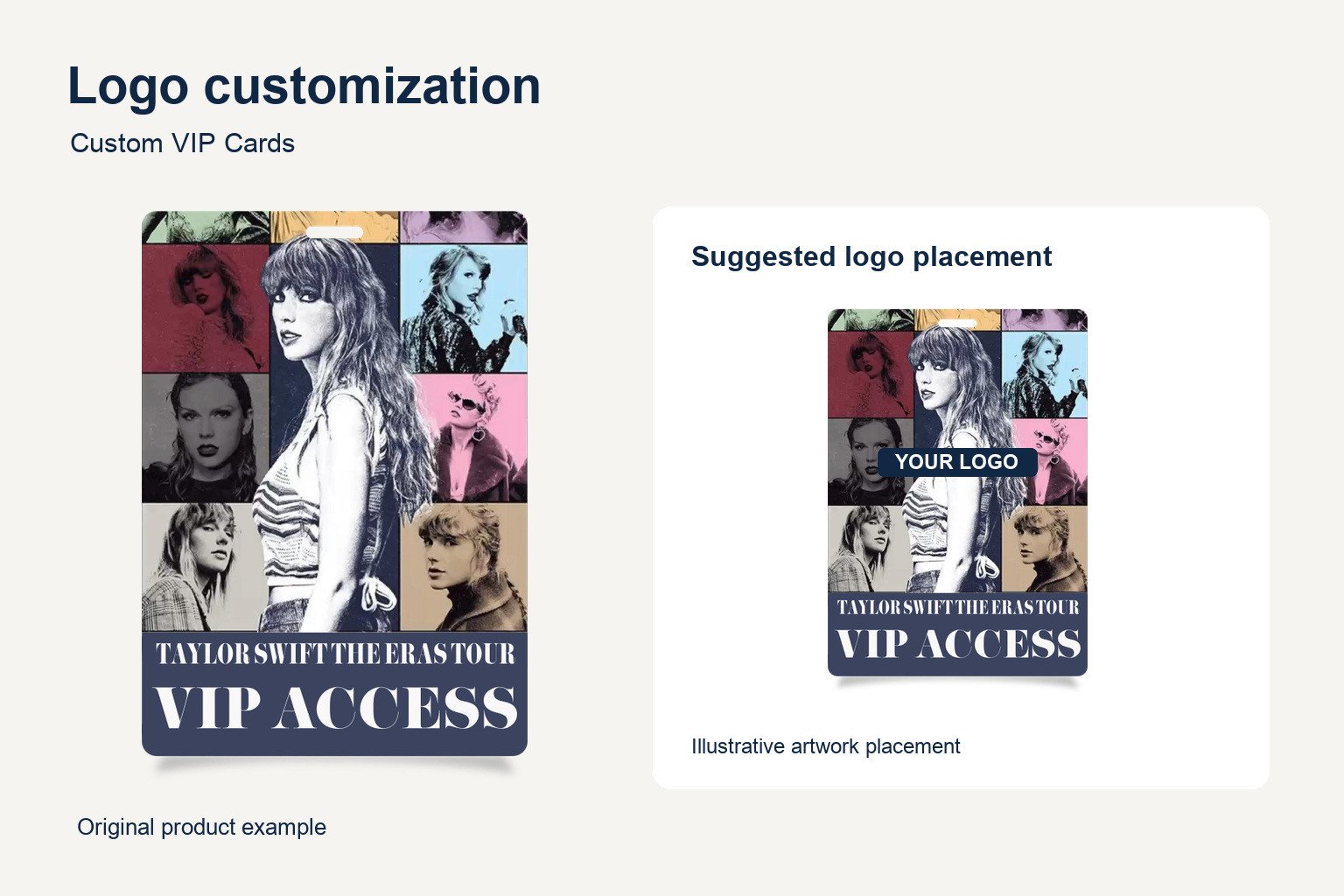
Use a consistent layout across guest groups. Supply the event logo, guest names and access designations. Confirm placement, print area and method during quoting.
See the branding in use
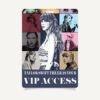
Illustrative artwork and application. Confirm the final configuration with the quote.
Options for your custom VIP pass
1. Choose the finished size
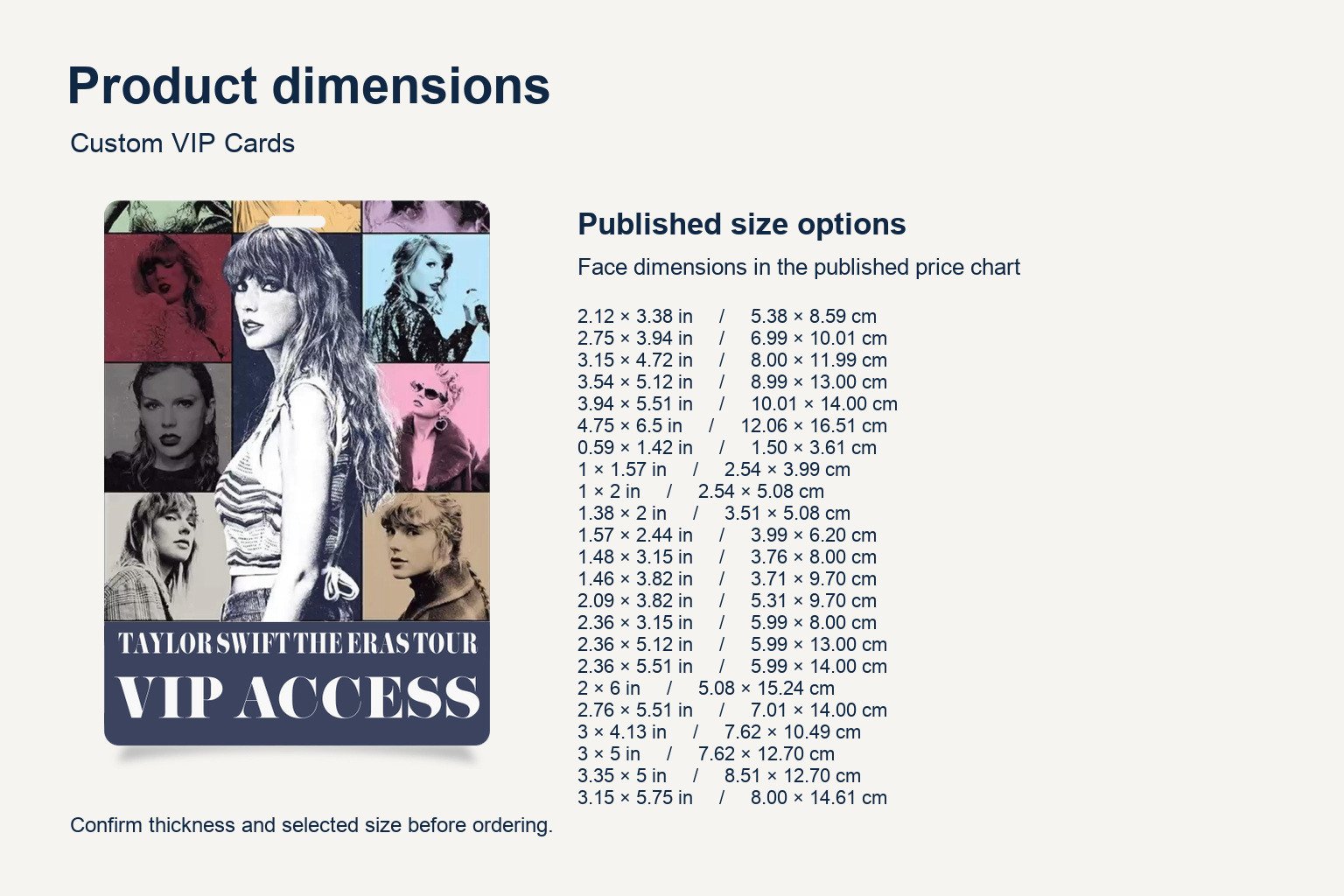
Multiple sizes are available. Compare the 23 published portrait sizes in inches and centimeters below. Measure the usable insert space if you already have a card holder. Compare both dimensions with the options below. Request the orientation and finished size that fit your layout.
View 23 published portrait sizes
| Width × height (in) | Width × height (cm) |
|---|---|
| 2.12 × 3.38 | 5.38 × 8.59 |
| 2.75 × 3.94 | 6.99 × 10.01 |
| 3.15 × 4.72 | 8.00 × 11.99 |
| 3.54 × 5.12 | 8.99 × 13.00 |
| 3.94 × 5.51 | 10.01 × 14.00 |
| 4.75 × 6.5 | 12.06 × 16.51 |
| 0.59 × 1.42 | 1.50 × 3.61 |
| 1 × 1.57 | 2.54 × 3.99 |
| 1 × 2 | 2.54 × 5.08 |
| 1.38 × 2 | 3.51 × 5.08 |
| 1.57 × 2.44 | 3.99 × 6.20 |
| 1.48 × 3.15 | 3.76 × 8.00 |
| 1.46 × 3.82 | 3.71 × 9.70 |
| 2.09 × 3.82 | 5.31 × 9.70 |
| 2.36 × 3.15 | 5.99 × 8.00 |
| 2.36 × 5.12 | 5.99 × 13.00 |
| 2.36 × 5.51 | 5.99 × 14.00 |
| 2 × 6 | 5.08 × 15.24 |
| 2.76 × 5.51 | 7.01 × 14.00 |
| 3 × 4.13 | 7.62 × 10.49 |
| 3 × 5 | 7.62 × 12.70 |
| 3.35 × 5 | 8.51 × 12.70 |
| 3.15 × 5.75 | 8.00 × 14.61 |
2. Choose the information hierarchy
Put the guest name and VIP designation in the same location on each custom VIP pass. A portrait layout can stack a logo, photo and name. A landscape layout may be easier to read when longer names sit beside a photo. Review the layout at finished size.
3. Plan your VIP check-in layout
For a custom VIP pass used at a preview or private event, decide which details staff need to see at entry. A large VIP label can help distinguish the credential from a general admission pass. If you use separate versions for sponsors, hosts or guests, give each version its own role label and confirm the quantity for each design.
4. Prepare VIP artwork for proofing
Label each artwork version by guest group and provide the quantity for each. If the custom VIP pass includes individual names, check spelling and indicate which fields vary. Confirm mounting and any required slot or opening before approving artwork.
Review a long name and a short name on the same proof layout. If the event name needs a second line, check that both lines remain clear against the background. For a card worn inside a sleeve, check that the window does not cover any information the check-in team needs to read.
Refer to the supplier’s VIP card size options when preparing your request.
Product specifications
| Model | QT004 |
|---|---|
| Material | PVC (polyvinyl chloride) plastic |
| Dimensions | 23 published portrait size options. See the size table for inches and centimeters. |
| Minimum order | 6 units per model |
| Logo customization | Available. Confirm placement, print area and method with your quote. |
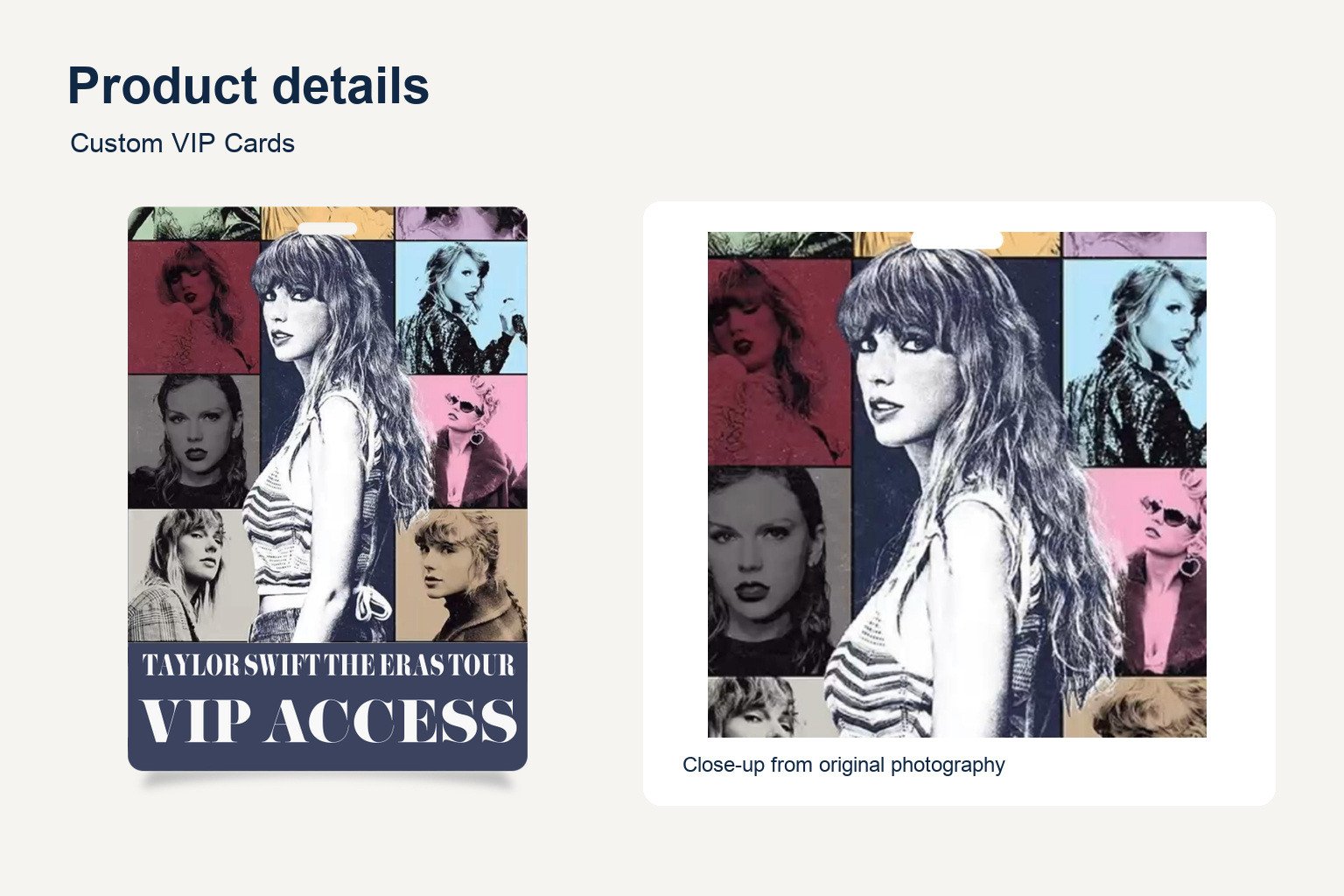
Review the visible product details
Original photograph detail. Confirm the approved configuration before ordering.
Check the size before ordering
Compare the size reference with the full size table and confirm your selected option.
Frequently asked questions
What sizes are available?
Examples include 2.12 × 3.38 in (5.38 × 8.59 cm) and 2.75 × 3.94 in (6.99 × 10.01 cm). Confirm your finished dimensions when requesting a quote.
What is the minimum order?
Six units per model.
Can I add our company logo?
Yes. Send your approved logo and the details for each artwork version.
What should I include in a quote request?
Include QT004, quantity, preferred size, orientation and artwork. Mention any existing holder or lanyard requirements. Confirm price and lead time with the quote.


Reviews
There are no reviews yet.